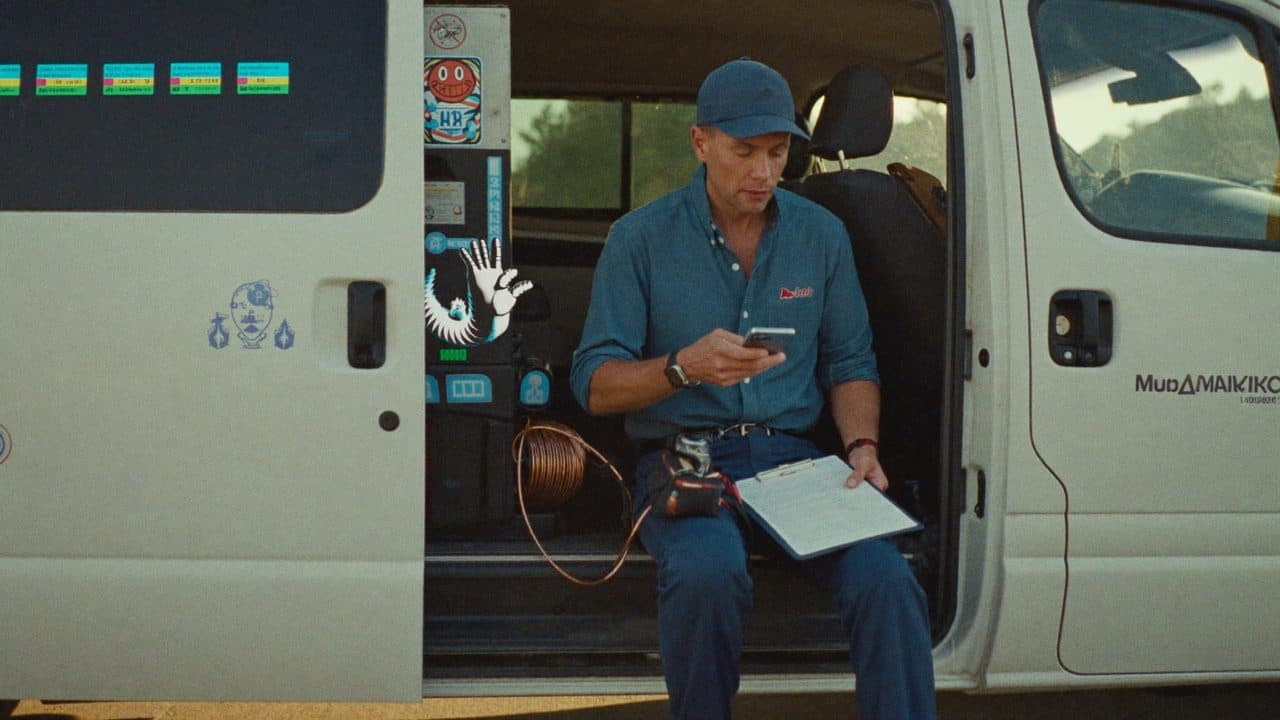
A quote request is not a single task. It is a chain of small handoffs, and every link in that chain is a place where a job can quietly disappear. Someone calls during a service window and nobody picks up. A form arrives at 9 p.m. and gets read at 10 a.m. the next day, after the customer has already called two competitors. A tech gets a text saying "AC not working, Maple Street" and drives out with the wrong parts because nobody asked what brand the unit was.
Automation will not fix an HVAC business. What it can do is make sure the chain never breaks in the same place twice. Below is a realistic view of which links can be automated, which cannot, and what the honest tradeoffs are.
Start by catching every request in one place
Most small shops receive quote requests through at least four channels: the office phone, cell phones, a website form, and whatever local listing or social page the business keeps. These land in four different inboxes and there is no single list of who is waiting on an answer.
The first automation is not clever. It is consolidation. Every channel should write into one queue, with the same fields, so that "what quotes are open right now" is one screen instead of four.
For web forms this is straightforward. For phone calls it takes more thought. Voicemails can be transcribed and dropped into the same queue with the caller number attached. Missed calls can trigger an automatic text back within a minute: a short message saying you missed them, asking what they need, and offering a link to the intake form. That single text-back is often the highest value automation a small shop can add, because it converts a missed call into a live thread instead of a lost lead.
Collect the information that actually changes the quote
An intake form that asks for name, email, and "how can we help" is a form that guarantees a follow-up call. The fields worth collecting are the ones that determine whether you can quote, who should go, and what they should bring.
At minimum, capture:
- Service type. Repair, maintenance, replacement, new install, or inspection. These are different workflows and should not share a lane.
- Location. Full address, not just a city, so you can check that it falls inside your service area and assign it to the right route.
- Property type. Single family, condo, small commercial. Access and equipment differ.
- Urgency. In the customer's own words plus a simple choice: emergency, this week, planning ahead.
- Equipment details. Brand, approximate age, unit type, and where it sits. Ask for the model and serial number and explain where to find it. Many customers will supply it if you tell them where to look.
- Symptoms. Short description of what is happening, when it started, and whether it is intermittent.
- Photos. The nameplate, the outdoor unit, the thermostat, the panel or furnace area, and anything visibly wrong. Photos remove more guesswork than any other single field.
- Availability. Two or three windows that work, rather than an open ended "whenever."
Do not make all of these required. A form that fights the customer at 9 p.m. is a form they abandon. Require location, service type, and a way to reach them; make everything else optional and easy, and let the follow-up fill the gaps.
Acknowledge immediately, in writing
The moment a request lands, the customer should get a confirmation that says three things: what you received, what happens next, and when they will hear from a person. "We got your request about no cooling at 14 Maple Street. A dispatcher will call you before 9 a.m. tomorrow to schedule a visit."
This costs nothing and it changes the customer's behavior. A person who knows a call is coming at 9 a.m. is far less likely to keep shopping at 8 a.m. If the request came in during hours you cannot cover, say so plainly and give the emergency line.
Classify urgency with rules you can explain
Urgency classification is where automation earns its keep and where it can do the most damage if you get cute with it. Keep the rules simple, written down, and biased toward escalation.
A workable structure has three tiers. Emergency covers anything with a safety or habitability angle: no heat in freezing weather, no cooling in a heat advisory, gas odor, burning smell, water actively leaking, a customer who mentions an infant, an elderly resident, or a medical condition. These should trigger a page or call to a human right away, day or night, not a queue entry.
Same week covers systems that are running poorly, intermittent faults, and maintenance a customer wants soon. Planning covers replacements, quotes for future work, and second opinions.
The rule that matters: when the signal is ambiguous, round up. A planning request misrouted as urgent costs you a phone call. An emergency misrouted as planning costs you a customer and possibly more than that.
Route to the person who can actually respond
Once a request is classified, it should reach a specific person, not a shared inbox. Routing logic in most small shops comes down to a few factors: the type of work, the service area or route, who is on call, and whether the request is a replacement quote that the owner or a comfort advisor handles personally.
Whatever the rules, make ownership visible. Every open request should show a name and a timestamp of when it was assigned. Unassigned or untouched requests after a set window should escalate to the owner. Most quotes are lost to silence, not to price.
Book the site visit without the phone tag
For anything beyond a rough range, an HVAC quote requires eyes on the equipment. The scheduling step is where automation pays off in saved hours.
Send a booking link with real windows drawn from the tech's calendar and blocked by service area, so a customer on the far side of the county cannot take a slot that would eat two hours of drive time. Confirm the appointment in writing, send a reminder the day before, and include a short note about what the visit involves and what access the tech will need: attic, crawlspace, panel, gate code, pets. Include a reschedule link. Making it easy to move an appointment is cheaper than a no-show.
Prepare the quote draft, not the quote
This is the line worth holding. Automation can assemble everything around the number. It should not produce the number.
Before the tech arrives, the system can build a job packet: the intake answers, the photos, the equipment details, the service history if the address has been visited before, notes on the property, and the customer's stated concern in their own words. After the visit, it can pre-fill a quote document with customer and site information, pull standard line items and current labor rates for the work type the tech selected, and format everything into the template the shop uses.
What the technician supplies is the part that requires judgment: the diagnosis, the scope of work, what to replace versus repair, and the final price. The draft exists so the tech spends five minutes reviewing and adjusting instead of forty minutes typing on a laptop in a driveway. It never goes out without a human approving it.
Follow up, because most quotes need a nudge
A quote sent is not a quote answered. A simple sequence works: confirm delivery, check in after a few days with an offer to walk through the options, and follow up once more before closing the item. Any customer reply stops the sequence and hands the thread to a person. Quotes that go cold should be flagged for review, not silently archived, because the pattern in what goes cold tells you something about your pricing or your presentation.
Where to start
Do not build the whole chain. Pick the link that leaks worst.
For most small shops that is the missed call text-back and the written acknowledgment, because they need no integration and immediately stop leads from walking. Add the structured intake form next, then urgency triage, then scheduling. Automate the quote packet last, once you know which fields your techs actually use.
Every step should have a manual override and a visible owner. The goal is not a system that runs without you. It is a system that makes sure nothing waits on someone remembering to check an inbox.